
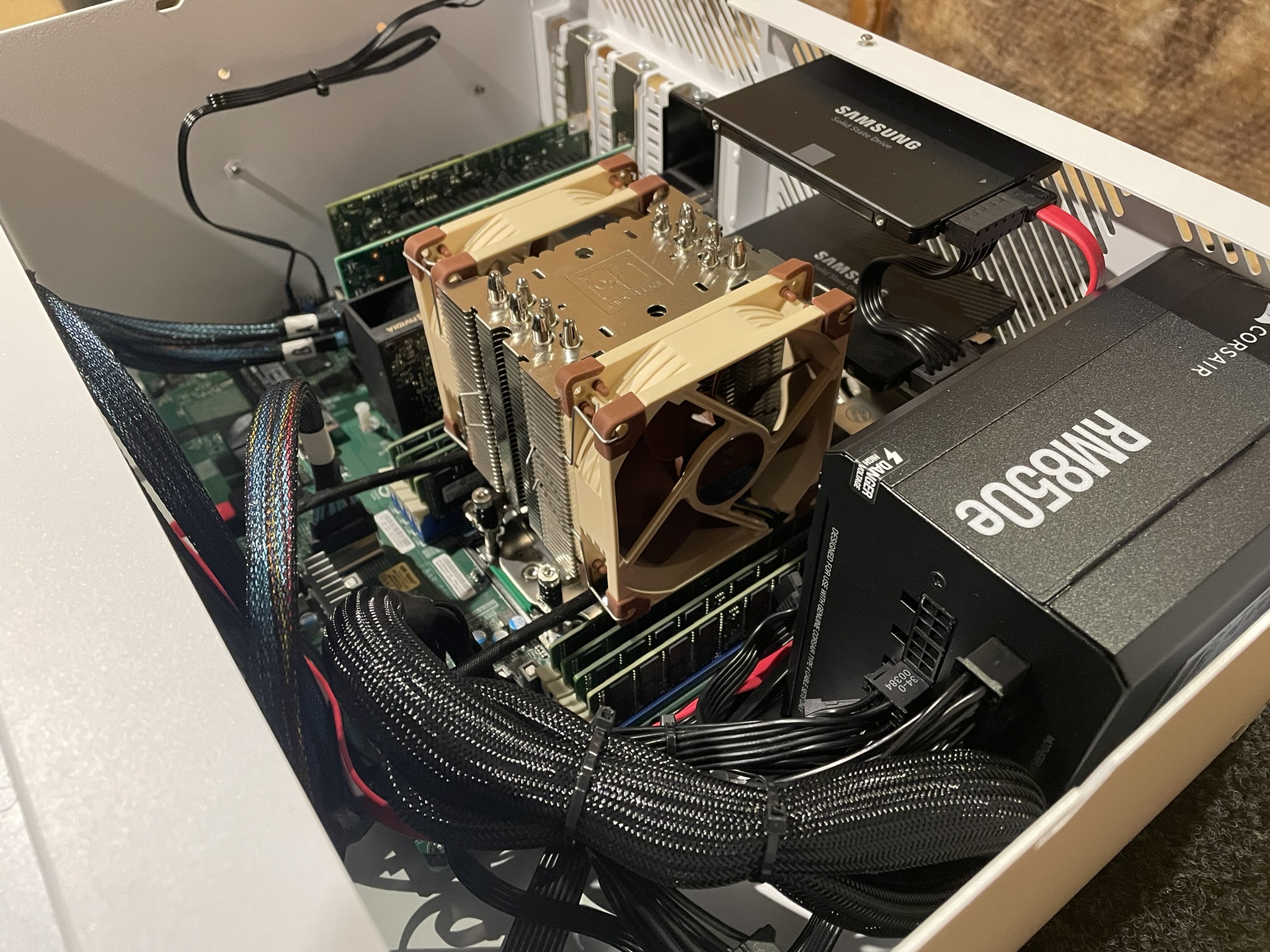
The reality of write amplification & the ‘Destruction’ of consumer SSDs (In a homelab)
If you’ve ever typed “ZFS” and “Consumer SSD” in your favourite seach engine, you’ve probably been shouted at by keyboard warriors yelling from the moutain tops “ZFS destroys consumer SSDs!” with no other facts than regurgitating the last caps-locked comment. Well, I’m here to tell you that’s rubbish! It’s true ZFS does work drives harder than many other file systems, thats not in debate, but it doesn’t descrimiate if your drive is enterprise or consumer, what matters is MTBF (Mean Time Between Failure), TBW (Terrabyes Written) and potentially DWPD (Drive Writes Per Day).
Side note, it’s absolutely true that enterprise drives will have better Queue Depth than a consumer drive, but the choice between how much similtanious IO a drive can handle or ultimately queue is a decision that should be made based on the workload, irrespective of your choice of filesystem, so personally I think this is irrelevant when debating the destruction of consumer drives by ZFS alone.
The Facts
Enterprise drives (in general) have signigicantly larger MTBF ratings. Enterprise drives (in general) have significantly larger TBW rating. So, some simple maths;
– Larger MTBF + Larger TBW = I will last longer
– Smaller MTBF + Smaller TBW = I will last less long.
Any SSD (except for Intel Optane…. RIP Optane) has quite a finite life. As opposed to spinning rust, that unless caused by physical damage, can and likely will outlast the rest of your hardware!
Lets put a real work world situation on the table, and for full disclosure, I am actually moving this very server to enterprise SSD’s, but this is a decision based on it now hosting commerical services, rather than simply operating as a personal Homelab.
The Example
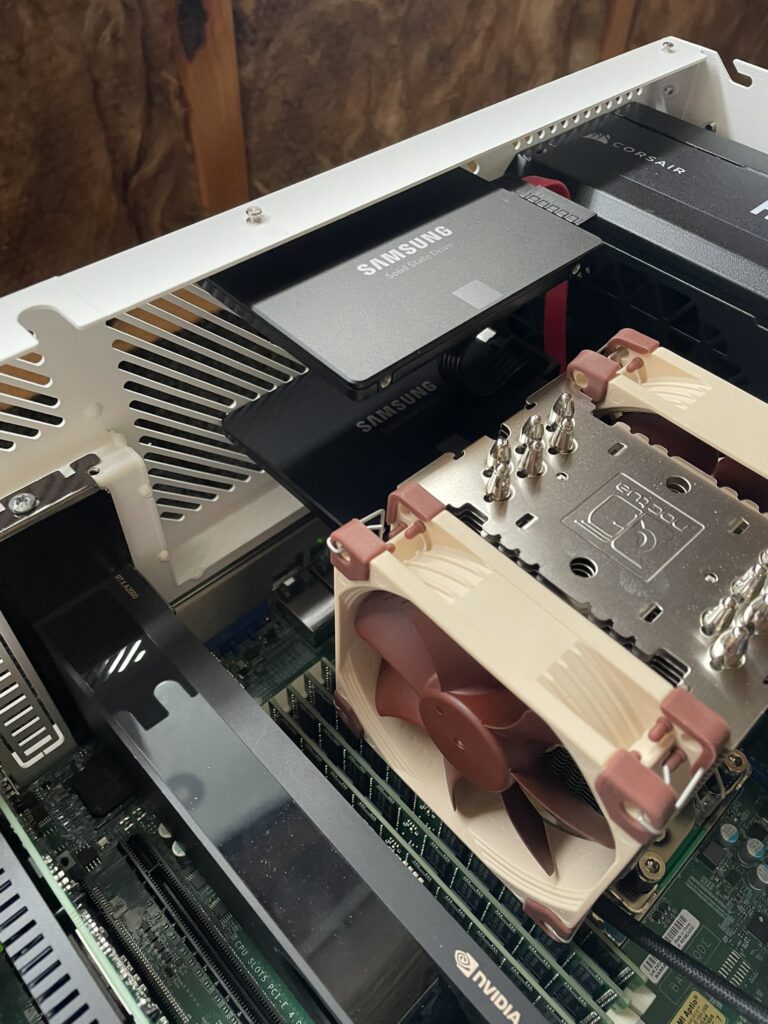
So, this example is a Proxmox node running 2x Samsung Evo 980 500GB drives in a ZFS mirror as both the boot drives and VM storage. These drives have the following ratings based on Samsungs own datasheet.
TBW = 300TB
MTBF = 1.5 million hours
This Promox node runs 5 VM’s and 9 LXC containers and is opperational 24/7.
The server has been running for around 1.5 years in its current form, with the drives Power On hours sitting at 12580. Lets do some quick calculations to ascertain the exact numbers of days (12580/24 = ~524 days), which then divided by 356 days a year gives us~1.43 years. So we now have our first important piece of reference data. Next, lets workout how much data we’re actually writing.
As already mentioned, these drives are both the Proxmox boot drives as well as VM storage, so lets workout how much data we’re actaully writing to these drives. Currently the drives are sitting at 69398803917 LBA or Logical Block Addressing. To turn this into TBW, we need to times this by a sector size of 512, then devide the results by 10^12 ( (69398803917*512)/10^12 = 0.067 TB) or converting to a more readable unit, 67GB per day.
We now know how many days the drives have been running, and how much data they’ve written in this time frame. Lets now calculate their theoretical life based on this data. To calaculate this, we need the drives rated TBW divided by the currently calculated daily TBW (300/0.068 = 4425 days). If then divide this by 365 days a year, these drives ‘should’ last at their current usage for over 12 years!
Conclusion
Now, the amount of data written is obviously going to change based on what services you’re running on your server, but the example above is likely to represent your typical homelab environment. All this to say, to have enterprise SSD’s in your homelab environement is a really nice to have, but is it a neccessity? Absolutely not!